!! Another magnificent treasure: KIRO IDE — Integrated Development Environment.
Kiro IDE (AI Chat Built-In)
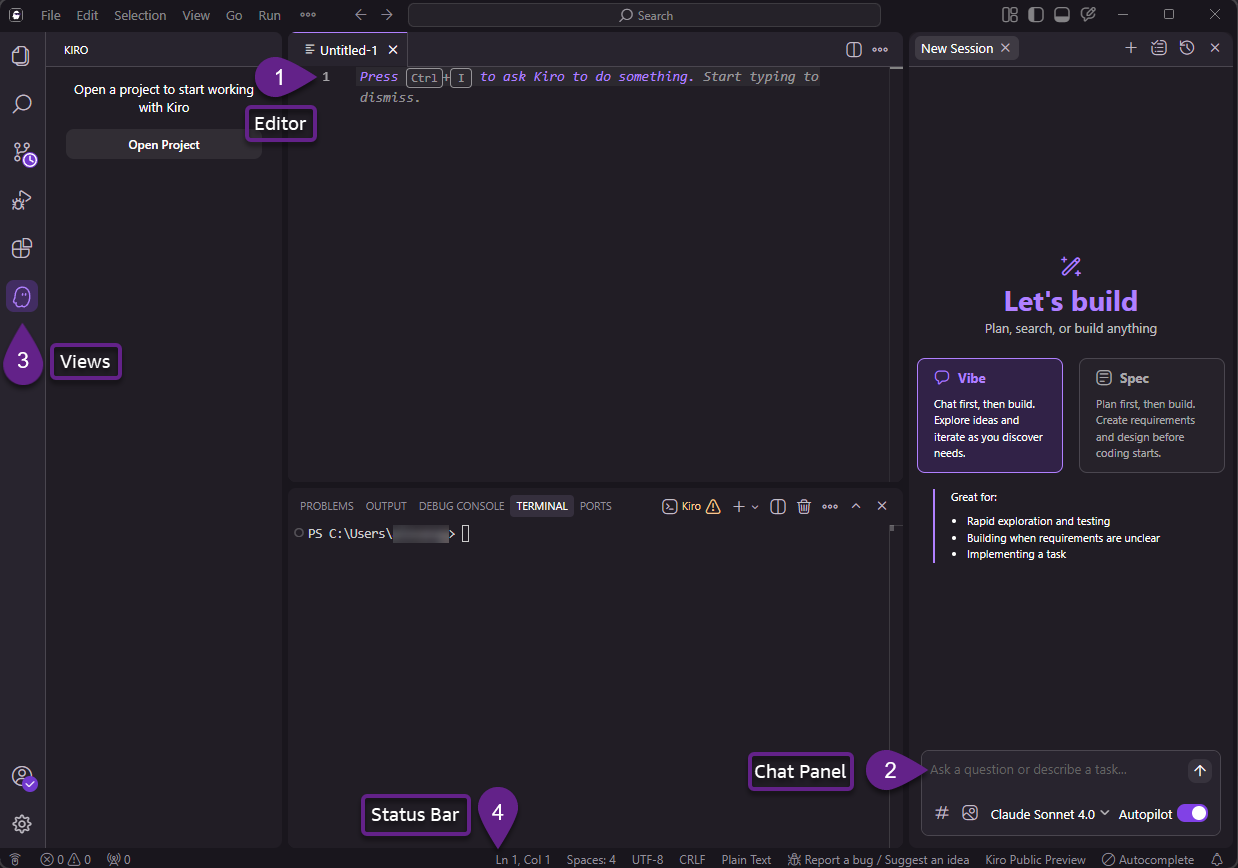
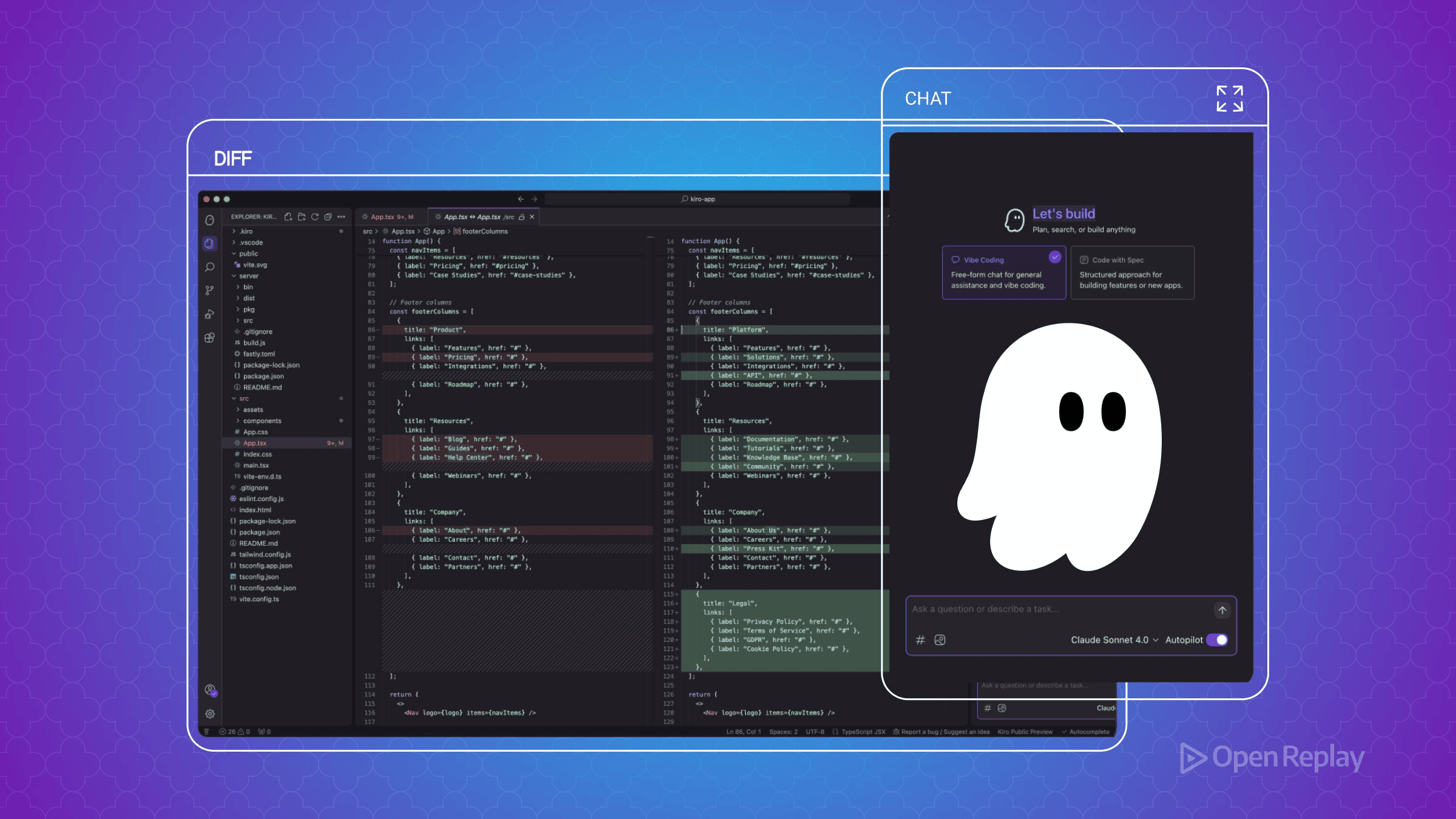
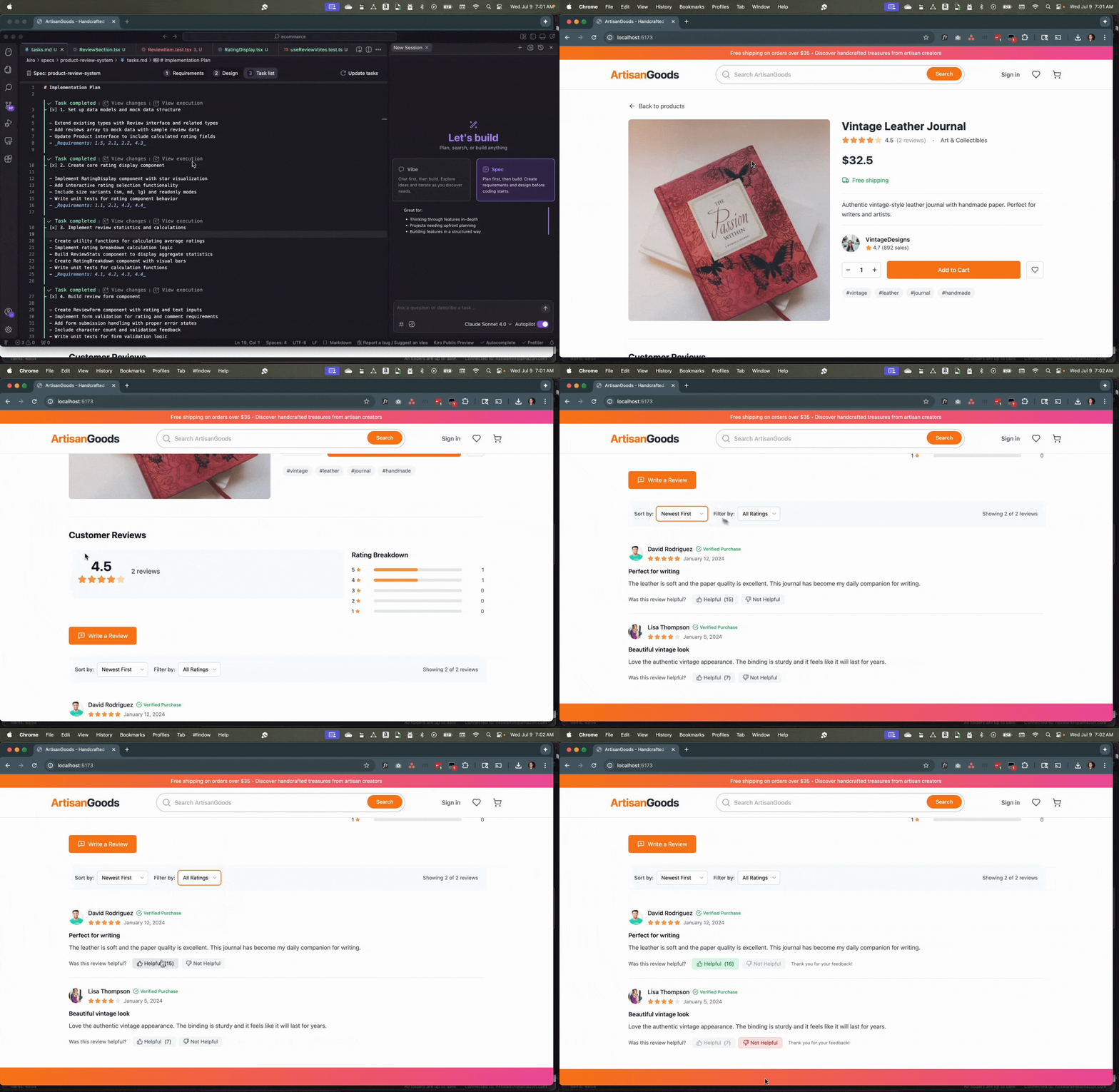
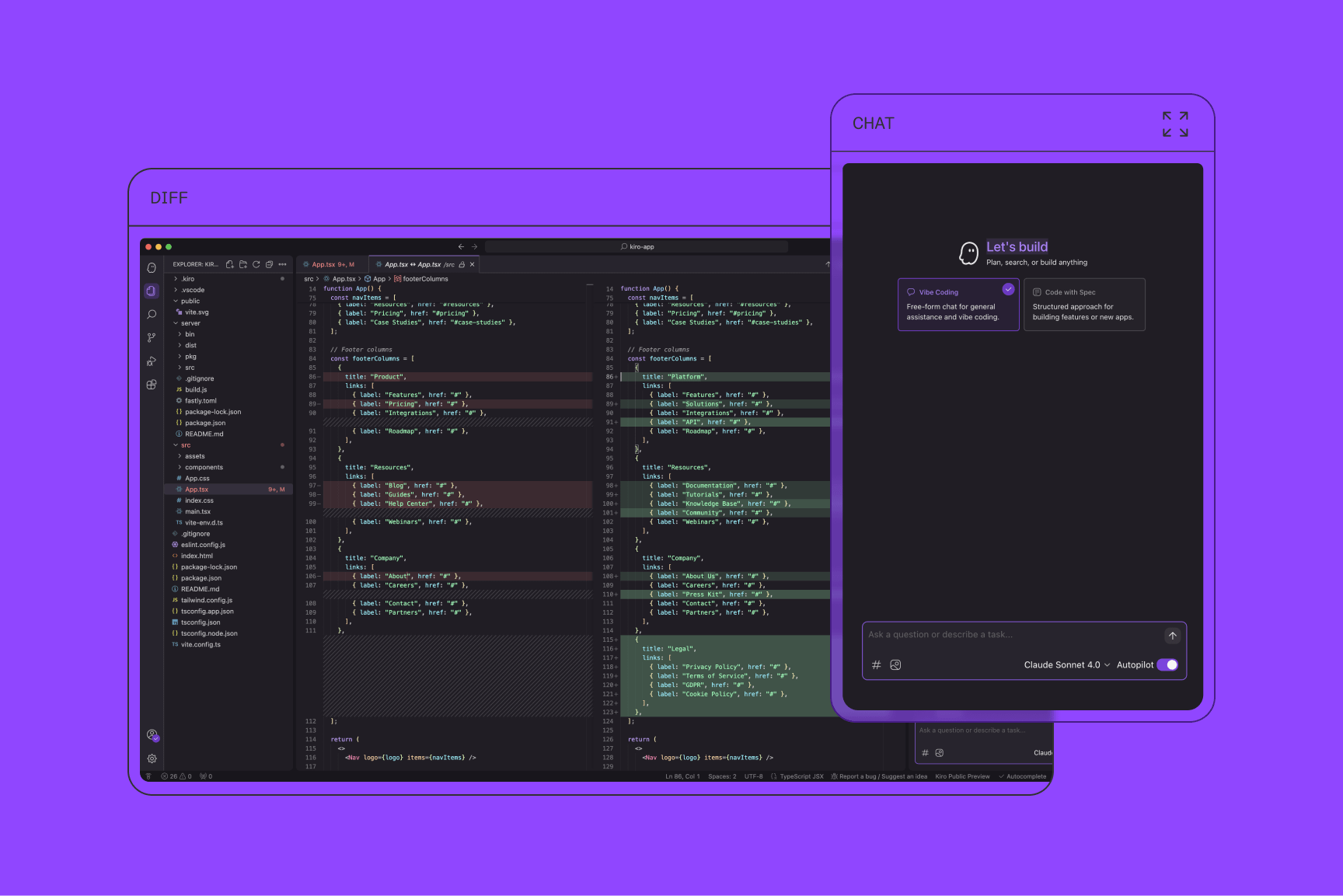
Kiro IDE is an AI-powered development environment that includes a native AI chat assistant built directly into the IDE interface. Unlike traditional editors that rely on external plugins, Kiro integrates the AI assistant as a core feature, allowing developers to interact with their code using natural language.
Main Features
1. AI Chat with Your Codebase
The assistant analyzes and understands the entire project, so you can discuss and explore your code directly within the chat panel.
2. Ask Questions About Code
Ask the assistant to explain functions, describe logic, or clarify how specific parts of the code work.
3. Generate New Code
The AI can create new code snippets, functions, or entire modules from simple natural-language instructions.
4. Debug Errors
Kiro can identify issues, explain errors, and suggest fixes, speeding up the debugging process.
5. Modify Files Using Natural Language
Instruct the AI to edit or refactor files directly using plain English instead of manual rewriting.
Example Commands
PROMPTs:
Create a login page using HTML and JavaScript
Explain what this function does
Fix the error in this Python script
Refactor this code to make it more efficient
Because the AI assistant is fully integrated into the IDE, it can access the project context and provide more accurate, context-aware coding assistance.
⭐
Kiro: AI-Native IDE
— from idea to production
Kiro (kiro.dev) is an AI-powered IDE built on Code OSS. It transforms natural language into structured specifications, architecture, tasks, and production-ready code — while maintaining clean patterns, documentation, and tests.
📄 View original ChatGPT session →✅ What is Kiro?
Kiro is an AI-orchestrated development environment designed to take developers from prototype to production. It’s built on VS Code’s open-source foundation, so it supports extensions, themes, and familiar workflows — but adds a powerful layer of AI agents that handle specification, architecture, task breakdown, and consistent code generation.
Built by engineers with AWS background but fully cloud-agnostic — no AWS account required.
⚖️ Kiro vs. Traditional IDEs vs. AI Assistants
| Aspect | Traditional IDE (VS Code) | AI Assistant (Copilot, Cursor) | Kiro (kiro.dev) |
|---|---|---|---|
| Core purpose | Manual coding environment | Speed up coding with suggestions | Full AI-orchestrated software system |
| Architecture planning | Manual | Not structured | ✅ Auto-generates architecture |
| Specs / requirements | User writes docs | Limited interpretation | ✅ Built-in spec system |
| Task breakdown | Manual | None | ✅ Auto-generated technical plan |
| Code consistency | Depends on dev | Inconsistent | ✅ Steering + hooks enforce rules |
| Multi-file reasoning | Limited | Medium | ✅ Strong long-context awareness |
| Automation (tests/docs) | Manual plugins | Partial | ✅ Auto-documentation, hooks, refactors |
| Production systems | High manual workload | Loses consistency | ✅ Designed for large, maintainable apps |
🔁 The Complete Kiro Workflow
1️⃣ Natural Language Prompt
You describe your project in plain English. Kiro extracts intent, roles, data models, and non-functional requirements.
“I need a product management API with CRUD and JWT login.”“Create a personal finance tracking app with categories, reports, and monthly summaries.”2️⃣ Specification — Technical Blueprint
Kiro generates a full specification document: functional requirements, data models, API endpoints, architecture, and coding conventions.
// Example generated data model
Product {
  id: string
  name: string
  price: number
  stock: number
  categoryId: string
}
Architecture example: Node.js + Express, PostgreSQL, JWT auth, repository pattern, validation with Zod.
3️⃣ Tasks — Actionable Roadmap
- Task 1: Initialize project structure, ESLint, Prettier
- Task 2: Implement authentication (login/register, bcrypt, JWT)
- Task 3: Product CRUD with validation
- Task 4: Database connector & environment config
- Task 5: Unit tests for auth & services
- Task 6: Auto-generate API docs & README
4️⃣ Code Generation — Production-Ready
Kiro writes code that follows the spec, respects architecture, and includes error handling, logging, and tests.
export class ProductController {
  constructor(private readonly productService: ProductService) {}

  async create(req: Request, res: Response) {
    const parsed = productSchema.safeParse(req.body);
    if (!parsed.success) return res.status(400).json({ error: parsed.error });
    const product = await this.productService.create(parsed.data);
    return res.status(201).json(product);
  }
}
5️⃣ Iteration Loop & Agents
Ask for changes — “Add search filtering”, “Replace PostgreSQL with MongoDB”, “Add admin-only routes”. Kiro updates spec, tasks, code, and documentation consistently using internal AI agents (Spec Agent, Code Agent, Refactor Agent, Test Agent, Hooks).
6️⃣ Steering & Hooks
Define your own style via steering files. Hooks automate actions like “after file save → run refactor” or “before commit → lint + format”.
🌍 Real-world examples
📘 Example A: Blog API
Prompt: “Build a simple blog API with posts, comments, user login. Node.js + PostgreSQL.”
Kiro produces full spec, entities (User, Post, Comment), 15 endpoints, 20 tasks, SQL migrations, JWT auth, rate limiting, tests.
📊 Example B: React Dashboard
Prompt: “Create a dashboard with charts and a sidebar using Next.js + Tailwind.”
Kiro generates component hierarchy, routing, reusable UI, data-fetching, dark/light theme, responsive layout.
⚙️ Example C: Microservice Architecture
Prompt: “Create a microservices setup with user-service and billing-service using gRPC.”
Kiro outputs gRPC definitions, service boundaries, Docker Compose, API gateway, health checks, and monitoring hooks.
📡 Advanced: IoT Backend System (full workflow demo)
Prompt: “Create an IoT backend for collecting temperature and humidity data from many sensors. Each device sends data every 10–20 seconds. The backend must store readings, validate data, support device authentication, provide REST APIs for dashboards, and send alerts if temperature exceeds threshold. Use Node.js + MQTT + MongoDB.”
📌 Generated specification (excerpt)
- Functional: Devices connect via MQTT (topic:
sensors/{deviceId}/readings). Readings contain deviceId, temperature, humidity, timestamp. REST endpoints:/readings/latest,/devices,/alerts. - Data models: Device { id, name, location, lastSeen, alertThreshold }, Reading { deviceId, temperature, humidity, timestamp }.
- Architecture: MQTT Listener → Reading Processor → Alert Engine → REST API (Express) → MongoDB + Redis cache.
📋 Auto-generated tasks
- Task 1: Initialize project + folder structure
- Task 2: MQTT client, subscribe to
sensors/+/readings - Task 3: Reading service: save to MongoDB, update lastSeen
- Task 4: Device service & threshold management
- Task 5: Alert engine: compare thresholds, publish to alerts topic
- Task 6: REST API endpoints for dashboard
- Task 7: Unit tests + documentation
🧠 Generated code snippet: MQTT Processor
import mqtt from "mqtt";
import { ReadingService } from "../services/ReadingService.js";

const client = mqtt.connect(process.env.MQTT_URL);
client.on("connect", () => {
  client.subscribe("sensors/+/readings");
});
client.on("message", async (topic, message) => {
  try {
    const data = JSON.parse(message.toString());
    const deviceId = topic.split("/")[1];
    await ReadingService.processReading(deviceId, data);
  } catch (err) {
    console.error("Invalid MQTT message", err);
  }
});
⚡ Iteration: “Add CO₂ readings and geofencing”
Developer extends: Kiro updates data model, validation, alert logic, API docs, and tests automatically — without breaking structure.
Outcome: A production-grade IoT backend ready for hundreds of devices, with alerts, dashboard APIs, and full documentation.
🧠 Who Kiro is for & current limitations
✅ Best fit
- Teams who value architecture, tests, long-term maintainability
- Developers moving fast without sacrificing code quality
- Projects from enterprise apps to cloud-native backends
- VS Code users wanting AI that enforces consistency
⚠️ Limitations
- Still in preview (mid-2025 announcement), evolving features
- Requires clarity in specs for best output
- Some custom stacks may need extra MCP configuration
- Not a magic fix — good architecture input still matters
🏁 FINAL WORD
Kiro represents a new generation of development tools — not just an autocomplete, but an autonomous software development engine. It turns natural language into specifications, tasks, architecture, clean code, tests, and documentation, all while following your project’s rules. Whether you're building APIs, dashboards, microservices, or IoT backends, Kiro provides the structure AI has been missing.
✨ Key takeaway: Kiro is built for production, not just prototypes. It’s the bridge between idea and maintainable system.
Comments
Post a Comment